This week’s work
See dated worksheet records, reviewed results and recorded center visits for the current week. Work awaiting review is identified separately.
For families
Your center uses isolace to run the day — who arrived, what got finished, the moments worth keeping. This is your side of it: the same information, as it happens, without having to ask.
Register your child
You'll pick your center — the one they already go to —
then create your account. Your center links your children to it.
The account is yours. Children never get a login.
Example — what you see
You see the check-in as it happens, so the question that used to sit with you until pickup just goes away.
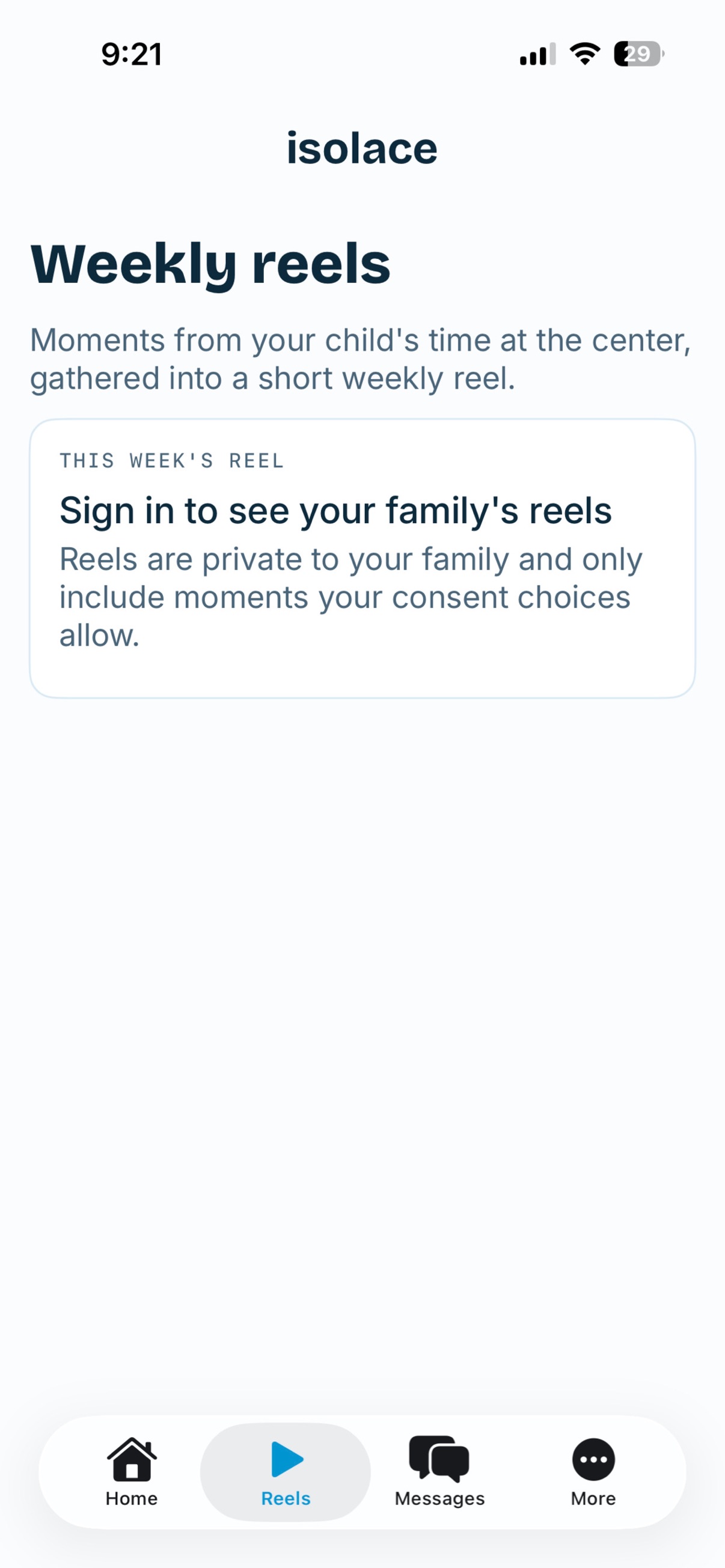
Moments the center captures become a short weekly look back — only for families who have said yes to photos.
Tell the center they're not coming today. Not a phone call, not an email, not a voicemail nobody hears until four o'clock.
Your parent portal brings recorded work and shared instructor notes together, so you can follow your child’s learning over time.
See dated worksheet records, reviewed results and recorded center visits for the current week. Work awaiting review is identified separately.
Look back over six weeks of available reviewed work and scores, with Math and Reading shown separately. The current week is marked as still in progress.
Open supporting worksheet records or the full progress report, and read the latest note your instructor has shared.
Example learning journey
What you see depends on the records your center has added and reviewed. When there is not enough history for a trend, the portal says so. Recorded dates may differ from the day work was completed.
Open your Progress portalThat is the whole of it — you are never asked to type your child in. If your center already has your email, they are linked the moment you finish; if not, your center connects them.
If your center texts, you can ask it to text you — arrivals, appointment times, and how the work is going, on the phone already in your hand.
How to get text updates How our texts work
Open your center's assessment or enrollment link, enter your mobile number, check the optional SMS consent box, and submit the form. The box is unchecked by default. Creating an isolace account does not subscribe you to texts. Consent is not a condition of purchase or enrollment. You can say no and still use everything else. Message frequency varies. Message and data rates may apply. Reply HELP for help or STOP to opt out at any time. Carriers are not liable for delayed or undelivered messages. See our Privacy Policy and Terms of Service, and the full SMS Messaging Program.

For iPhone and iPad
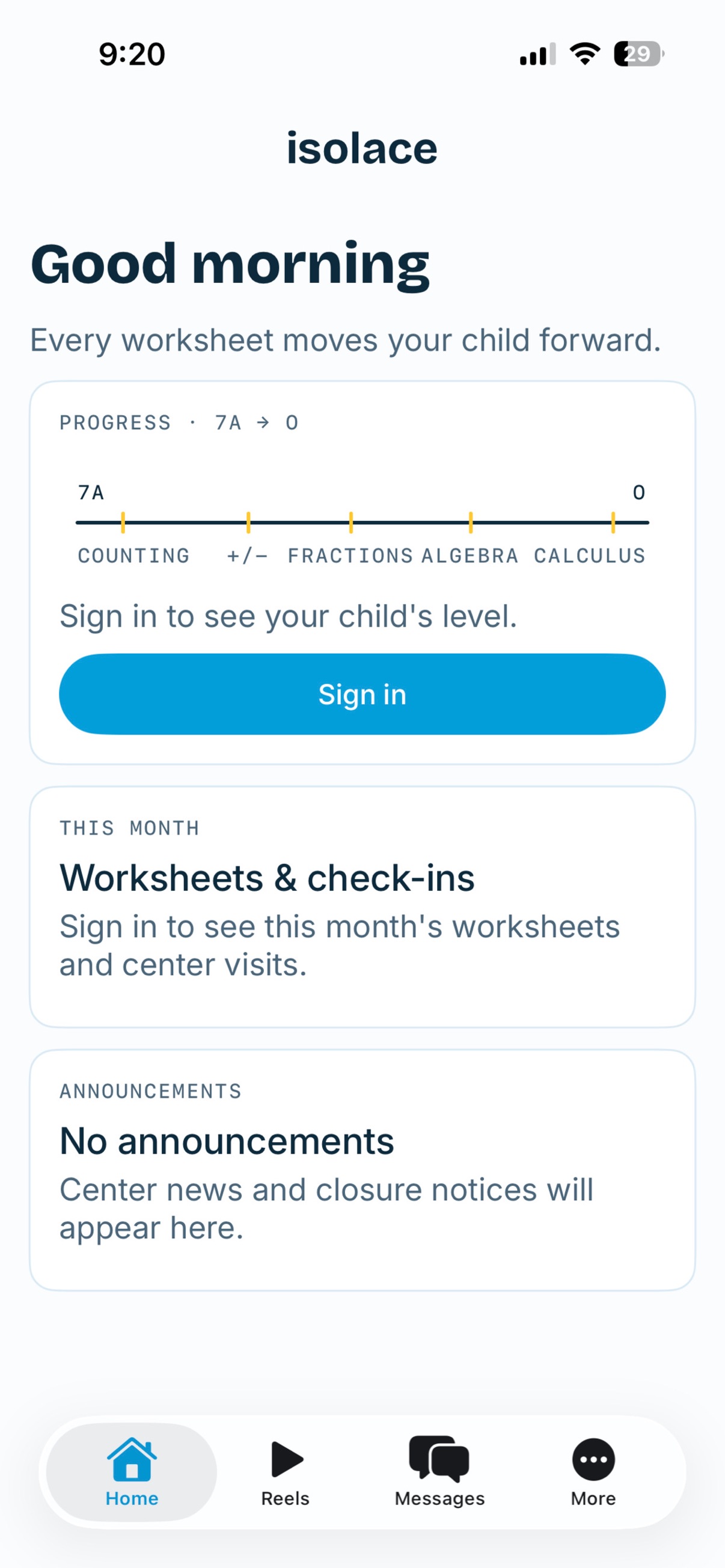
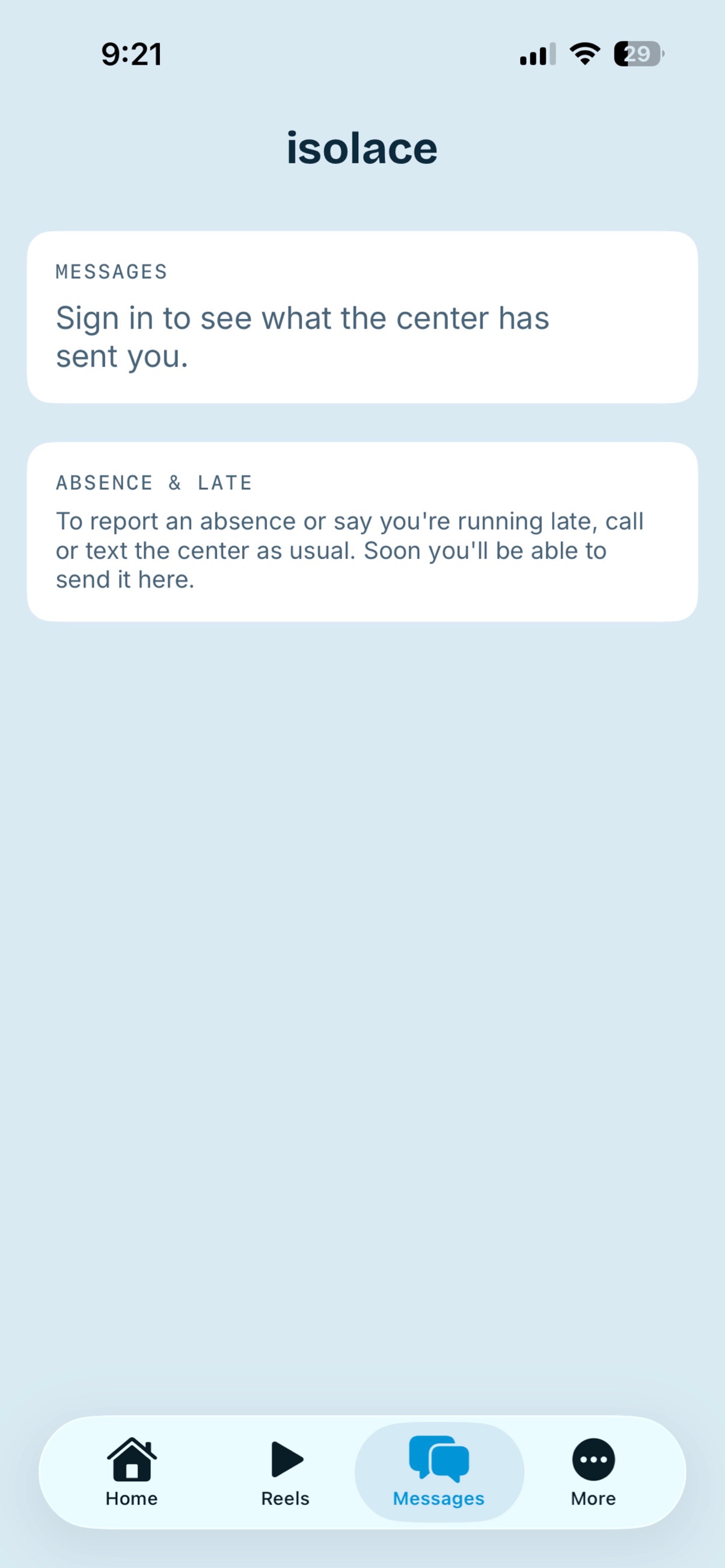
Everything here works in a browser — sign in at isolace.net on any phone. The app puts the same account in the place you already look.
Your child is never visible to another center, pooled into a benchmark, or used to train anything.
Nothing third-party runs on any page you or your child touches. Your family's attention is not for sale.
Checked before the camera opens, and again before anything is shared. No consent, no capture — and the rest of the day carries on normally.
Already have an account? Sign in. If you can't get in, your center can check which email they have for you.
You are in the right place. Register once and your center does the rest.
Register your childYou run a center, or work at one? That side of isolace is the check-in, the tuition, the staff hours and the marketing.
What centers get